Tired of Accidental Muggings? Meet Mug-Be-Gone! 🔪🚫
Mugging during a faction war can be considered disrespectful to some, and most in that mind set just can't seem to keep their filthy fingertips off that Mug button while swinging wildly at whoever they approach.
Fear not, my fellow butter-fingered brawlers! I present to you Mug-Be-Gone!
![[image: i.imgur.com]](https://i.imgur.com/wxh4Kxi.png)
What's it do?
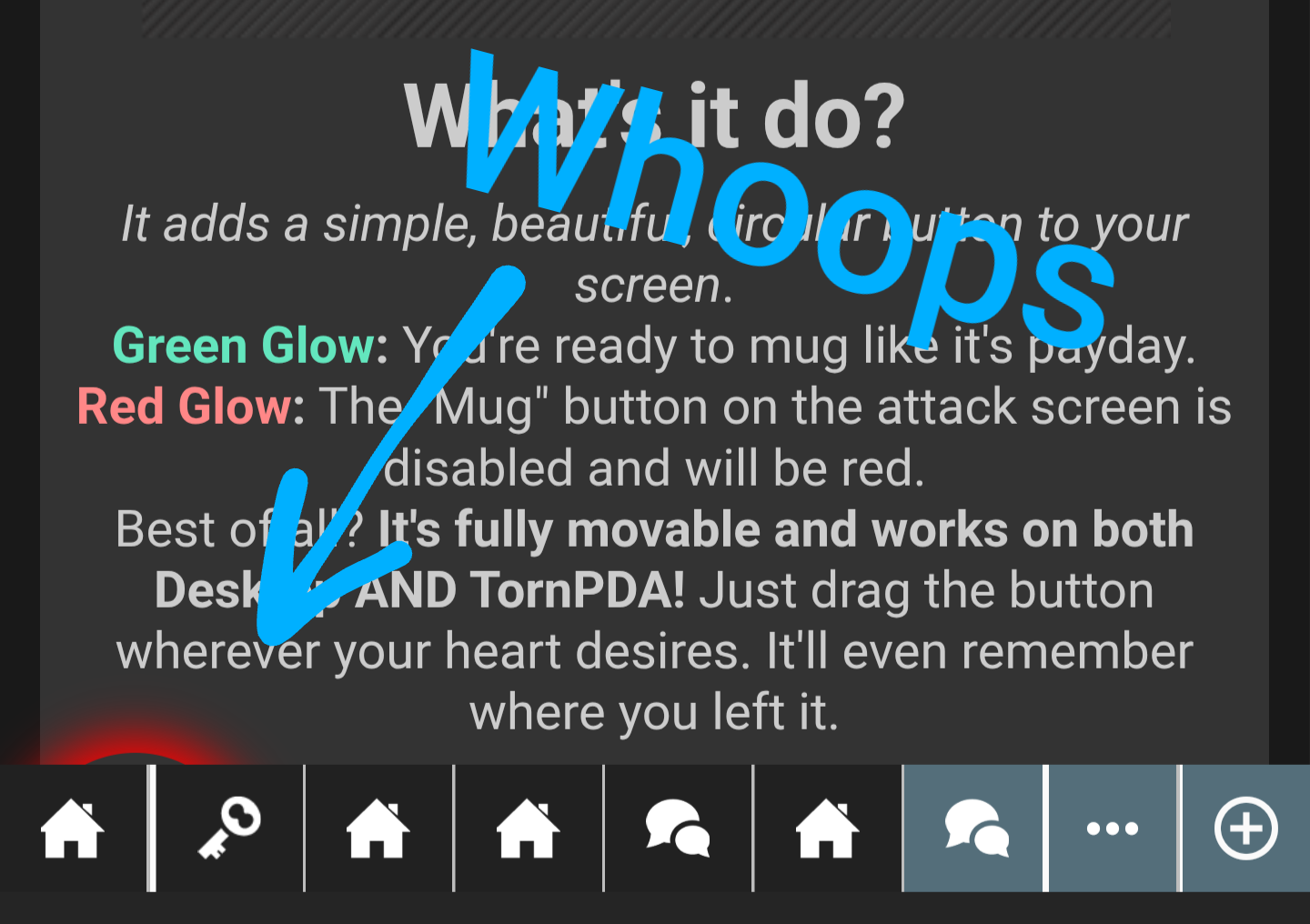
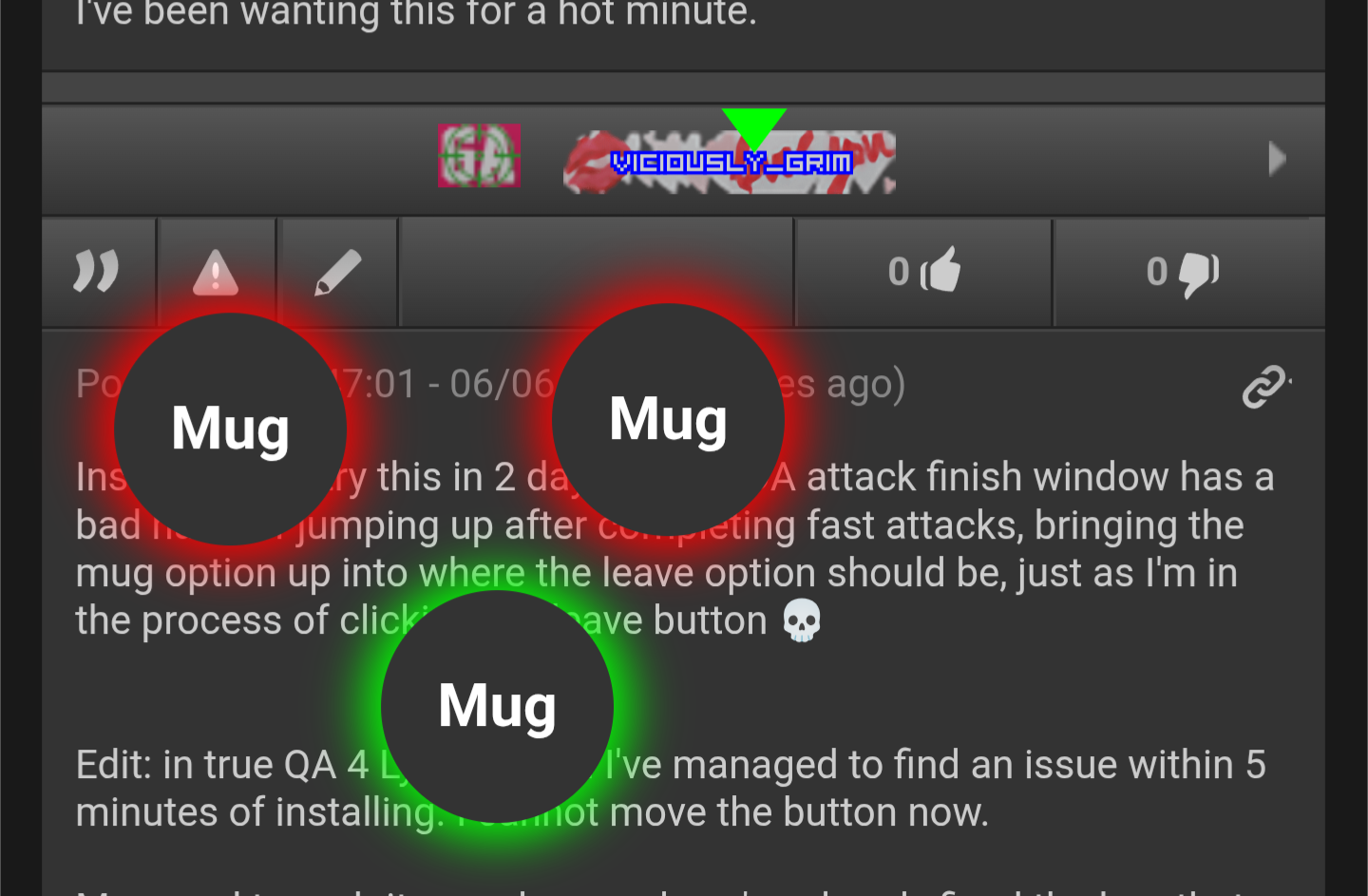
It adds a simple, beautiful, circular button to your screen.
Green Glow: You're ready to mug like it's payday.
Red Glow: The "Mug" button on the attack screen is disabled.
Best of all? It's fully movable and works on both Desktop AND TornPDA! Just drag the button wherever your heart desires. It'll even remember where you left it.
Includes a /resetmug chat command for TornPDA users. Simply type into any chat window "/resetmug" and the button will revert to default just in-case :)
How to Get It (Desktop Browser)
- First, you need a userscript manager. I recommend Tampermonkey for your browser. ViolentMonkey or other Userscript managers should work.
- Install the script from GreasyFork by clicking the image below. A new tab will open to the installation page.
[image: i.imgur.com]
https://greasyfork.org/en/scripts/538485-torn-mug-b-gone
TornPDA Installation
- Open TornPDA and navigate to
Settings>Script Settings. - Tap the plus (
+) icon to add a new userscript. - In the
REMOTE URLfield, paste the raw script link:https://greasyfork.org/scripts/538485-torn-mug-b-gone/code/Torn%20Mug-Be-Gone.user.js - Save it. The script will now be installed!