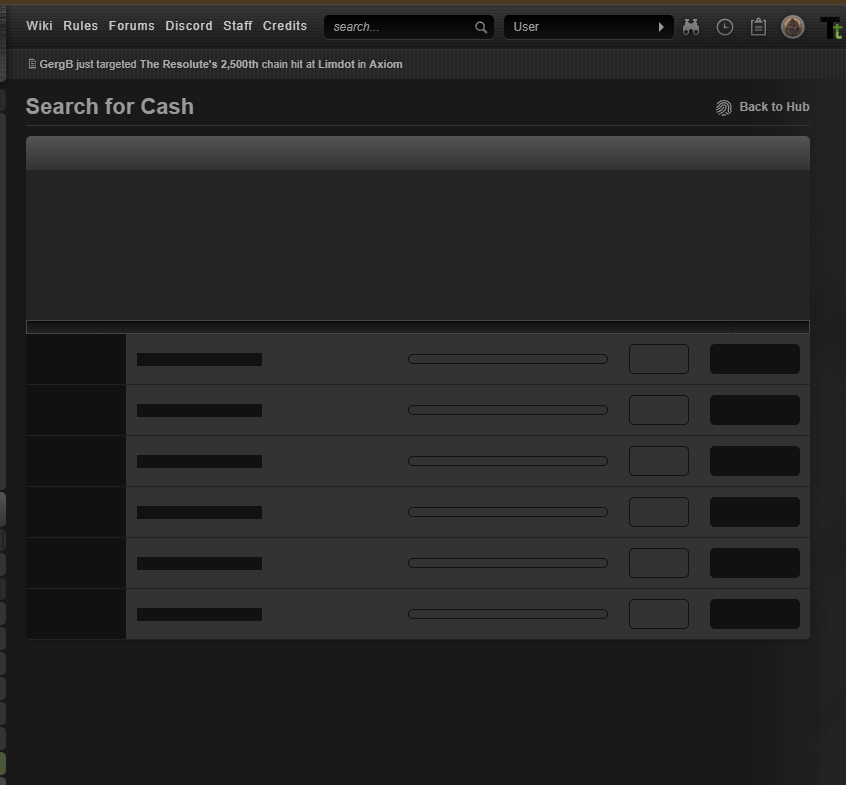
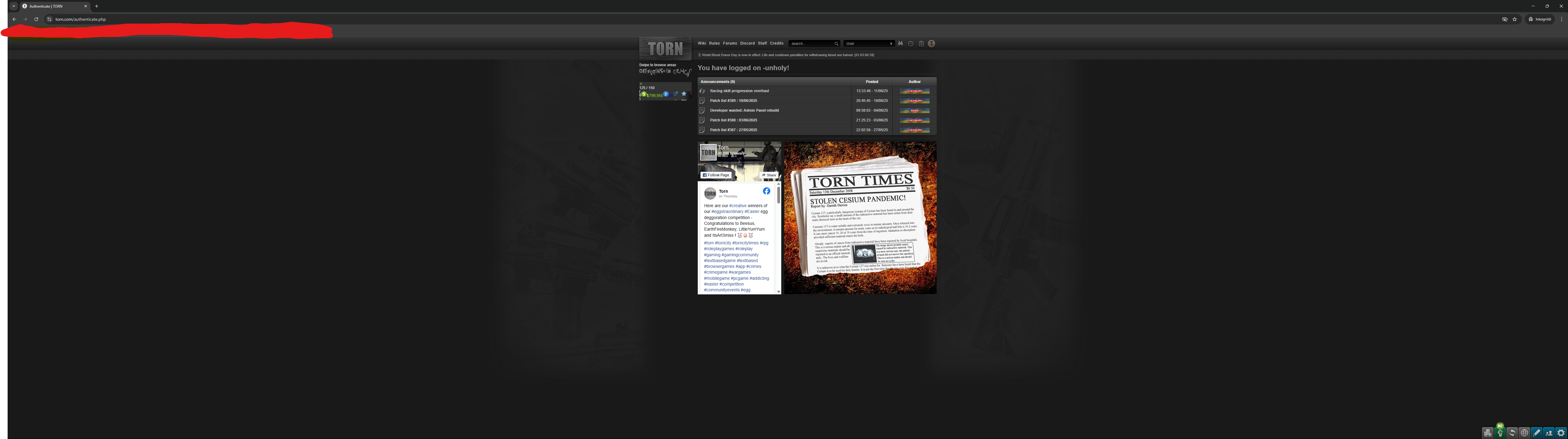
Search for Cash page completely freezes up the website, I've got to open a new tab and open torn.com again in order to restore it. Tried TornTools on & off, incognito and cached site, with no improvement. After some time the "This page isn't answering" Chrome notification pops up on top.
Screenshot attached.
Using Windows 11 24H2 (latest update) with Chrome browser.
Sorry if it's the wrong place to post this, I'm just curious if it would be possible to add a "back" and "forward" button to this:
I see a lot of interesting posts but then it goes away before I click or tap on them, and since I don't know how many "news" are there, I just forget about it completely instead of engaging in some of the stuff. Don't know if it's worth the effort or how much effort it would take.
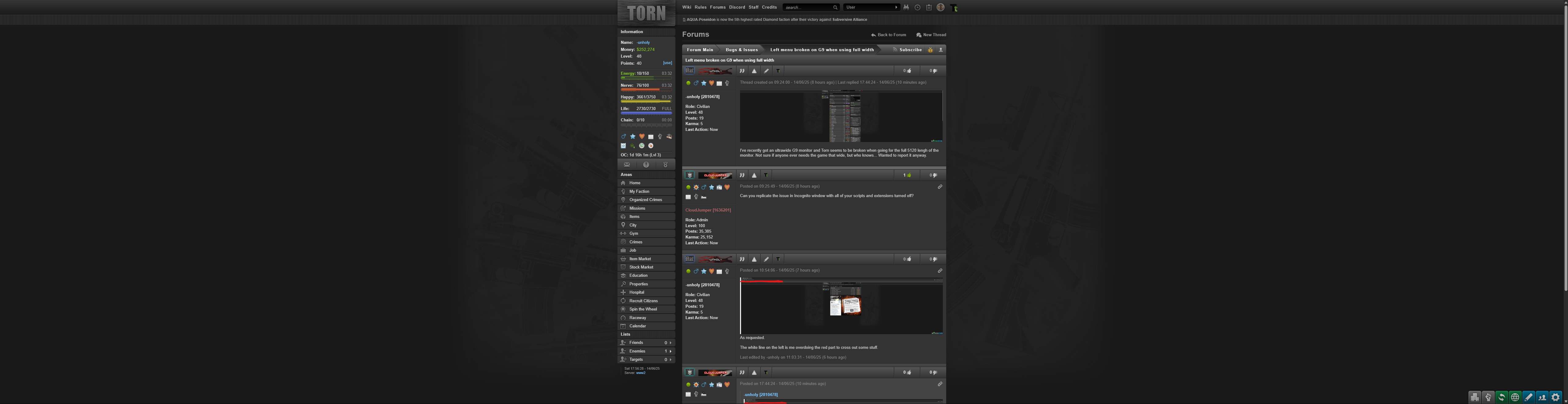
I've recently got an ultrawide G9 monitor and Torn seems to be broken when going for the full 5120 lengh of the monitor. Not sure if anyone ever needs the game that wide, but who knows... Wanted to report it anyway.
I've recently got an ultrawide G9 monitor and Torn seems to be broken when going for the full 5120 lengh of the monitor. Not sure if anyone ever needs the game that wide, but who knows... Wanted to report it anyway.
Search for Cash page completely freezes up the website, I've got to open a new tab and open torn.com again in order to restore it. Tried TornTools on & off, incognito and cached site, with no improvement. After some time the "This page isn't answering" Chrome notification pops up on top.
Screenshot attached.
Using Windows 11 24H2 (latest update) with Chrome browser.
Sorry if it's the wrong place to post this, I'm just curious if it would be possible to add a "back" and "forward" button to this:
I see a lot of interesting posts but then it goes away before I click or tap on them, and since I don't know how many "news" are there, I just forget about it completely instead of engaging in some of the stuff. Don't know if it's worth the effort or how much effort it would take.